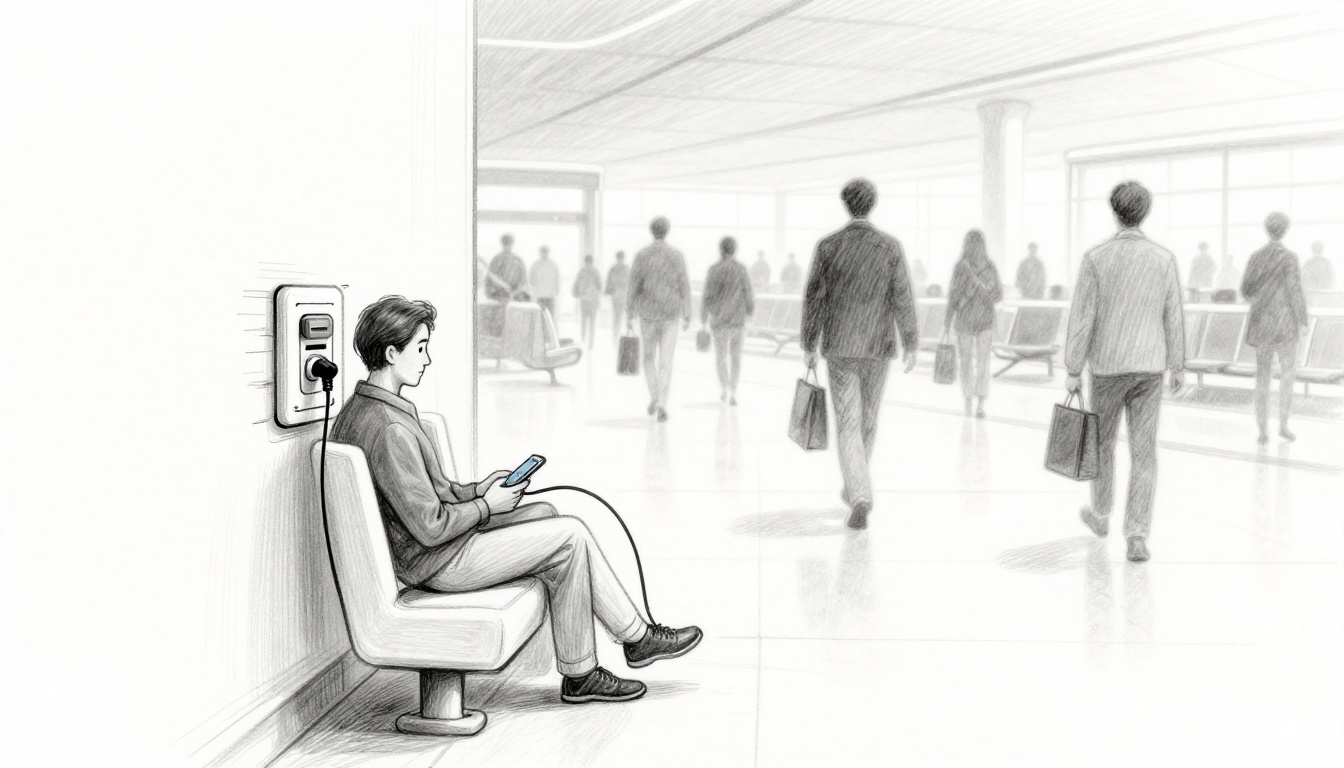
Imagine rushing through an airport, your phone at 3%, and you spot a free charging station. You plug in, the screen stays calm, and everything feels normal. Then you wonder, was that a charger or a trap?
Juice jacking is a cyberattack that targets people who use public charging ports. It can happen through tampered USB ports or fake-looking cables designed to steal data or install malware. In 2026, warnings keep resurfacing, especially for travelers, because public USB charging is still common and often used in a rush.
Here’s the good news: you can reduce the risk fast. This guide explains how juice jacking works, where it’s most likely, what can go wrong, and practical steps you can do today. Ready to charge safely?
What Is Juice Jacking and How Do Attackers Pull It Off?
Juice jacking works because USB charging is more than power. A typical USB port can send data too. That’s the key problem. When you plug in an unlocked device, you might be sharing more than battery power.
Attackers rely on two common tricks.
First, they tamper with the charging station itself. The station may look real, but it includes extra hardware that grabs data or pushes malicious instructions. This often targets phones, tablets, and laptops because people use them for logins, photos, and messaging.
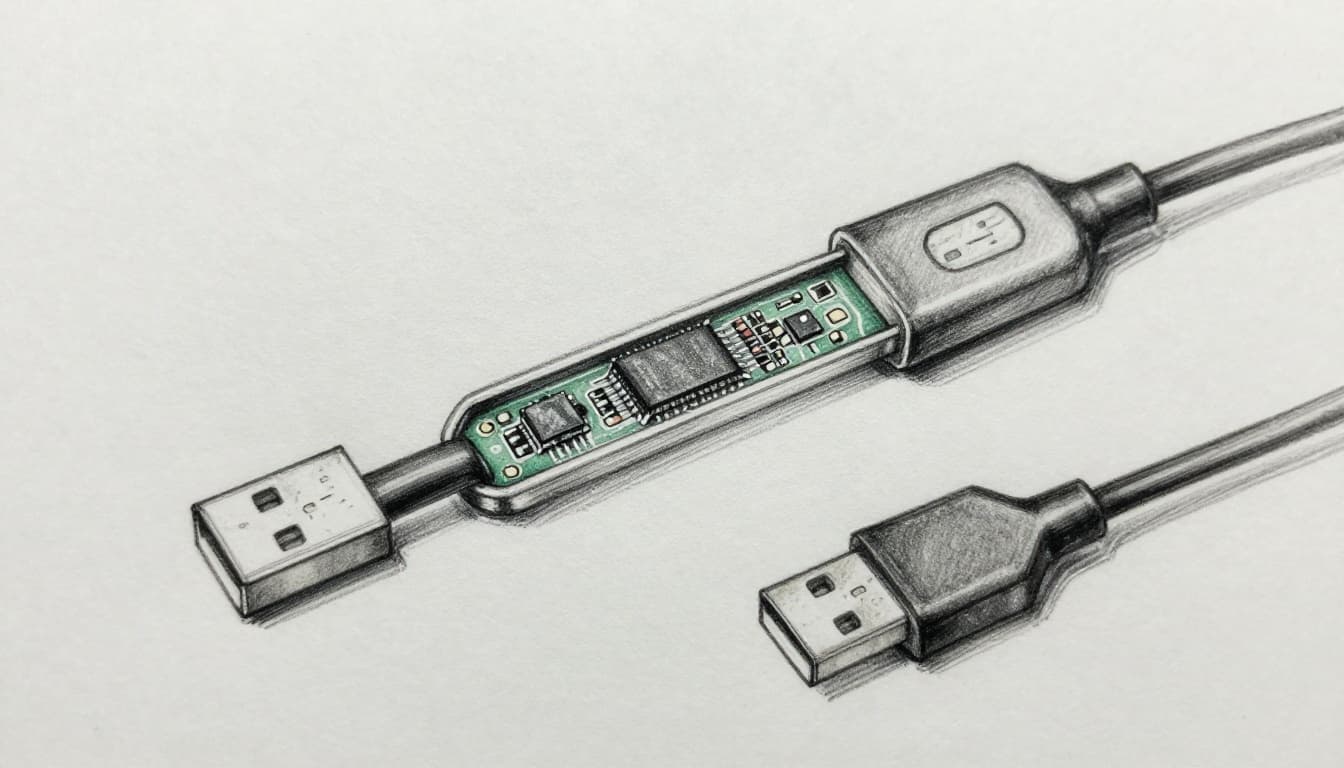
Second, they leave behind rigged cables. These cables can look identical to normal ones. However, inside the cable may be chips that manipulate the connection. Sometimes the cable only needs to act at the start of charging, then the damage can begin quickly.
Real-world urgency has risen even when the exact threat details change. For example, public warnings from U.S. agencies have been widely covered, and experts have questioned how often it truly happens versus how often people get warned. You can see that debate in FBI and FCC juicejacking warnings.
A quick visual risk tip
If a charger charges slower than expected, treat that as a red flag. Longer “mystery charging” sessions can mean the device is negotiating data settings longer than it should. In other words, trust the pattern your phone expects, not the one you hope for.
Tampered Charging Kiosks: The Hidden Trap
A tampered kiosk is like a vending machine with a secret camera inside. You see the front panel, you insert your plug, and you never notice the added parts. The scam lives in the port and its internal wiring.
Attackers can add a hidden device in the kiosk that interacts with what your phone sends during connection. Your phone may try to identify the new USB device. Then the kiosk can respond in a way that lets it access data or trigger a malicious process.
This is easier in busy public areas. Airports, hotels, conference centers, and malls have high foot traffic. People rotate in and out quickly, so there’s less time to inspect each charger. Also, many stations are unattended, so nobody checks what’s plugged in.

If your device starts acting oddly, don’t ignore it. Look for signs like repeated pop-ups, strange permission prompts, or sudden app behavior right after you plug in.
Fake Cables Left Behind: Don’t Fall for the Bait
Fake cables are the stealth version of juice jacking. You don’t need to tamper with the station. Instead, the attacker swaps cables at the last second.
These cables are designed to look normal. They may even match the same color, length, and connector type. Then, once you plug in, the cable can enable a malicious data path.
What makes cable attacks worrying is that people often trust the cable more than the port. If the station has been there for months, it seems “trusted.” But a cable can be replaced quickly with minimal effort. That means you should treat any loose cable as untrusted until you confirm it’s yours.
Security coverage has highlighted how warnings keep returning with new twists. For context and practical protection ideas, see Juice jacking warnings are back.
Losing track in the moment
When you’re tired, your brain stops scanning details. That’s why you should plan ahead. Bring your own cable whenever possible. It takes two minutes, and it removes the “mystery cable” problem.
The Serious Risks: From Data Theft to Full Device Hijack
Juice jacking dangers public charging stations raise aren’t just theoretical in your day-to-day life. Even if the exact odds vary, the impact can be severe.
Here are the main risks people worry about, and for a reason.
- Passwords and login data: Attackers may try to steal credentials from your device.
- Contacts and messages: Your phone holds access points, not just photos.
- Photos and private files: If data access happens, the first thing taken is often personal.
- Voicemail and call history: That info helps attackers build convincing scams.
- Spyware or remote control: Malware can watch actions or disrupt control of the device.
What makes it feel scary is that the harm can spread. If attackers steal passwords, they can log into your cloud accounts. Then they may access email, banking apps, and social media.
Also, public warnings have often targeted travelers, especially during busy holiday and event seasons. Even without brand-new confirmed cases, agencies and security teams keep reminding people to use safer charging habits. That’s why it’s worth treating public USB charging as a risk, not a convenience.
Losing Your Private Info in Seconds
Think about how fast you can unlock your phone after plugging in. In seconds, your device may connect, authenticate, and try to sync. If a malicious connection happens, attackers can try to grab files or session data before you notice.
For example, a hacker could access cached logins. Then, even after you unplug, the attacker can use what they already pulled.
Malware That Locks You Out or Spies Forever
Malware is the nightmare scenario. Some malware can lock you out. Others can watch what you do. Still others can hold your device as a launchpad for more attacks.
Then there’s the second-order risk: infected devices can affect other tech. If you reuse passwords or sync across accounts, one bad event can cascade.
The simplest takeaway: if a charger acts weird, assume it’s not your charger.
Where Juice Jacking Strikes Most: Watch These Spots
Juice jacking risk often follows the same pattern as other scams. High traffic, low attention, and lots of strangers make it easier to tamper with equipment.
Common high-risk places include:
- Airports: People are rushed, stressed, and unplugging constantly.
- Train stations and bus terminals: Long waits push people to plug in fast.
- Malls and shopping centers: Chargers feel like amenities, not hazards.
- Cafes and co-working spaces: It’s easy to find a “free port” without thinking.
- Rideshare vehicles: Ports may be installed, loose, or easy to modify.
One more detail matters: you might see “power-only” ports. Even then, don’t assume they’re safe. Attackers can still tamper with ports, and device behavior can vary. When you’re unsure, skip it.
If you’re going to use any public charging, treat it like you treat a sketchy Wi-Fi network. You don’t log in, and you don’t trust it blindly.
Proven Ways to Charge Safely and Dodge the Danger
You don’t need paranoia to be safe. You need a few habits that reduce exposure to both kiosk tampering and cable rigs.
First, bring your own charging gear. Second, block data transfer. Third, stay alert to device prompts.
Must-Have Gear for Safe Charging on the Go
The best tools are simple, portable, and repeatable.
- Your own cable and wall adapter: No strangers touch your setup.
- A power bank: Charge without using public ports.
- A charging-only cable or USB data blocker: These cut the data lines while keeping power.
If you want a straightforward overview, juice jacking protection tips break down the practical defenses people can use right away.
Phone Tweaks That Block Hackers Instantly
Even with safe gear, do these quick steps.
- Use airplane mode while you charge. Then turn it off when you’re ready to use your phone.
- Disable USB data access when your phone prompts you.
- Don’t press “Trust this computer.” If that prompt appears, stop and unplug.
- Update your phone when you get Wi-Fi at home. Updates patch USB and security weaknesses.
- Prefer charging from a wall outlet or a device you control.
If you want a rule of thumb, use this one: if you didn’t bring it, don’t rely on it.
Conclusion
Juice jacking at public charging stations is one of those risks that feels rare, until it matters. The biggest danger is that USB can share data, not just power. That’s why tampered kiosks and fake cables both work.
If you take one step today, make it this: pack your own cable or use a charging-only option. Next trip, charge with control, and keep your login doors closed. What will you bring with you to avoid the “free charger” trap?