
A few weeks ago, a neighbor told me their “motion alerts” were going off at 2 a.m. Then they noticed something worse. Someone had been peeking at the live view. It happened because the camera still had an easy default setup.
That scenario is becoming more common in 2026. Hackers don’t need to be in your house. They just need one weak door in your setup, like a default password or an old firmware update. In recent breach reports, default passwords show up in about 40% of hacked camera cases, and around 25% of cameras run firmware older than two years.
The good news is you don’t need a security degree to lock things down. You need a solid plan, the right settings, and a few routine checks. This guide walks you through the most important fixes, from passwords and updates to network isolation, encryption, and safer remote viewing.
First, you’ll learn where attacks usually start. Then you’ll set up defenses you can feel confident about, even if threats keep changing.
Spot the Biggest Risks to Your Smart Home Cameras Today
Most unauthorized access starts with the same boring problems. People reuse passwords, skip firmware updates, or leave cameras on a home network they didn’t segment. Once a hacker finds one camera, they can often pivot to other devices.
In 2026, the threat pattern also includes specific software weaknesses and bad authentication setups. For example, researchers have reported camera flaws where attackers could take over accounts, reset admin access, or use embedded credentials on the same local network. At the same time, cloud-connected systems can widen the blast radius if accounts or storage are exposed.
Here’s a quick way to see the main risks and what to do about them.
| Camera risk | What it enables | How you’ll notice | Fix that matters most |
|---|---|---|---|
| Weak or default logins | Brute-force logins, takeover | Alerts for “login attempts,” unknown devices | Unique password + disable weak recovery |
| Outdated firmware | Known exploits stay open | No updates for months, features “never improve” | Update firmware and turn on auto-updates |
| Hard-coded credentials | Access without real login | Weird access attempts from local network | Replace unsupported models, block inbound access |
| Cloud account exposure | Stolen video via account takeover | Password reset emails you didn’t request | 2FA + password manager |
| Poor network setup | One compromised device spreads | Cameras can “see” phones and TVs | Guest Wi-Fi or VLAN + router rules |
If you want a broader checklist, this overview on home security camera hacking prevention is a good companion.
Now, do a quick self-check. If any of these sound familiar, you’re in the danger zone:
- You never changed the admin password after setup.
- You don’t get firmware update prompts anymore.
- Your camera sits on the same Wi-Fi as laptops, phones, and smart TVs.
- You rely on the camera account without two-factor authentication.
One more thing: not all “cheap and easy” cameras are equal. Some low-cost imports have faced scrutiny in security research and policy lists. In the US, NDAA compliance helps you avoid certain vendors restricted under Section 889, which exists for national security reasons. For a deeper explainer, keep reading later when you shop.
Weak Passwords and Default Logins
Default passwords are the front door. They’re also easy to guess. Even if a hacker can’t guess the password immediately, they can try many combinations when a system responds quickly.
What makes it worse is that many people reuse passwords they used elsewhere. If you have one password from a past data breach, that password can quietly unlock your camera account too. That’s why “I used a password I like” can still become a problem.
Watch for these patterns:
- Passwords that look like a name plus the year.
- The same login used for multiple camera devices.
- Trusting the camera’s password recovery flow without review.
Even reputable brands get targeted because attackers don’t only search for weak passwords. They also search for predictable setups, exposed accounts, and devices that never got updated.
For background on how camera systems get attacked and why configuration matters, see home security camera cybersecurity risks. It’s useful when you want to explain the “why” to other household members.
Outdated Firmware and Software Gaps
Firmware ages fast. If you bought a camera two years ago and never updated it, you might still be running software with known weaknesses.
In 2026, attackers keep scanning the internet and local networks for cameras with old versions. When the vendor releases patches and you skip them, you basically leave the same lock broken.
Outdated firmware can create several problems at once:
- Authentication flaws that bypass normal login steps
- Cloud connection weaknesses
- Bugs in how the app talks to your camera
A practical habit helps. Check for updates right after setup. Then set a monthly reminder to confirm the camera actually updated. “I think it updated” isn’t enough. You want proof in the device’s app or admin page.
Also, don’t ignore “end of support.” If the camera model stops receiving updates, it can become a long-term target even if it works fine.
Build a Rock-Solid Foundation with Passwords and Updates
Start with the basics, because basics stop the most common attacks. You’ll get the biggest protection by fixing login access and keeping software current.
Think of your camera setup like a keyring. A weak key weakens every lock. And if you don’t update, the “lock design” stays old.
Here’s a clean, step-by-step order to secure things:
- Change default admin logins immediately. Use a password manager and generate a long, unique password.
- Update camera firmware right after install. Then turn on auto-updates if the app offers it.
- Check account security next. Enable 2FA (two-factor auth) on the camera app account.
- Verify remote access settings. Disable features you don’t use, especially public sharing.
- Do a monthly audit. Open the camera app, confirm update status, and review active sessions.
If you’re using a dedicated indoor setup, also consider where devices connect first. For example, if you use an NVR, route the camera’s recording path through the NVR system indoors and avoid unnecessary direct exposure. Less exposure means fewer “surprises” later.
Craft Passwords Hackers Can’t Crack
Strong passwords aren’t about complexity for show. They’re about length and uniqueness. If a password is reused, it’s only as safe as the weakest breach you’ve ever had.
Use this simple rule: each camera and each account gets its own unique password. Then store it in a password manager so you don’t write it on a sticky note.
Good password patterns look like this:
- Random words plus extra characters
- 12+ characters minimum for camera accounts
- A mix of upper, lower, numbers, and symbols when allowed
Also, don’t share the camera password in household group chats. If someone needs access, use the camera app’s user sharing feature instead.
If your camera app supports role-based access, use it. For example, give family members viewing access, not admin control. That way one compromised phone doesn’t equal total device takeover.
Keep Firmware Fresh for Zero Exploits
Updates are boring, but boring is good here. Most successful hacks aren’t magic. They’re old software plus automated scanning.
Turn on auto-updates when possible. If your camera doesn’t offer it, mark your calendar for a monthly check. During that check, also look at:
- Firmware version numbers
- Any “security fixes” notes in the update log
- Whether the camera still shows the same account connection you expect
Don’t forget physical maintenance either. Dust, bugs, and spider webs affect image quality. That’s not a cyber issue, but it matters because you’ll be less likely to notice odd behavior when the feed is unclear. Wipe lenses, then open the app and confirm everything still looks normal.
Finally, remove any cameras you no longer use from your account. If you sold or retired a device, you want that access gone.
Secure Your Home Network to Keep Cameras Isolated
Even strong passwords can fail if your network setup spreads risk. Right now, most home networks treat every device the same. Cameras shouldn’t get the same access as phones and laptops.
The goal is isolation. If a camera gets compromised, it shouldn’t easily reach your other devices. That’s how you stop one weak link from turning into a full home incident.
If you want extra guidance on segmentation and secure setup, this guide on securing your smart home network in 2026 explains the thinking in a practical way.
Create a Dedicated Camera Network
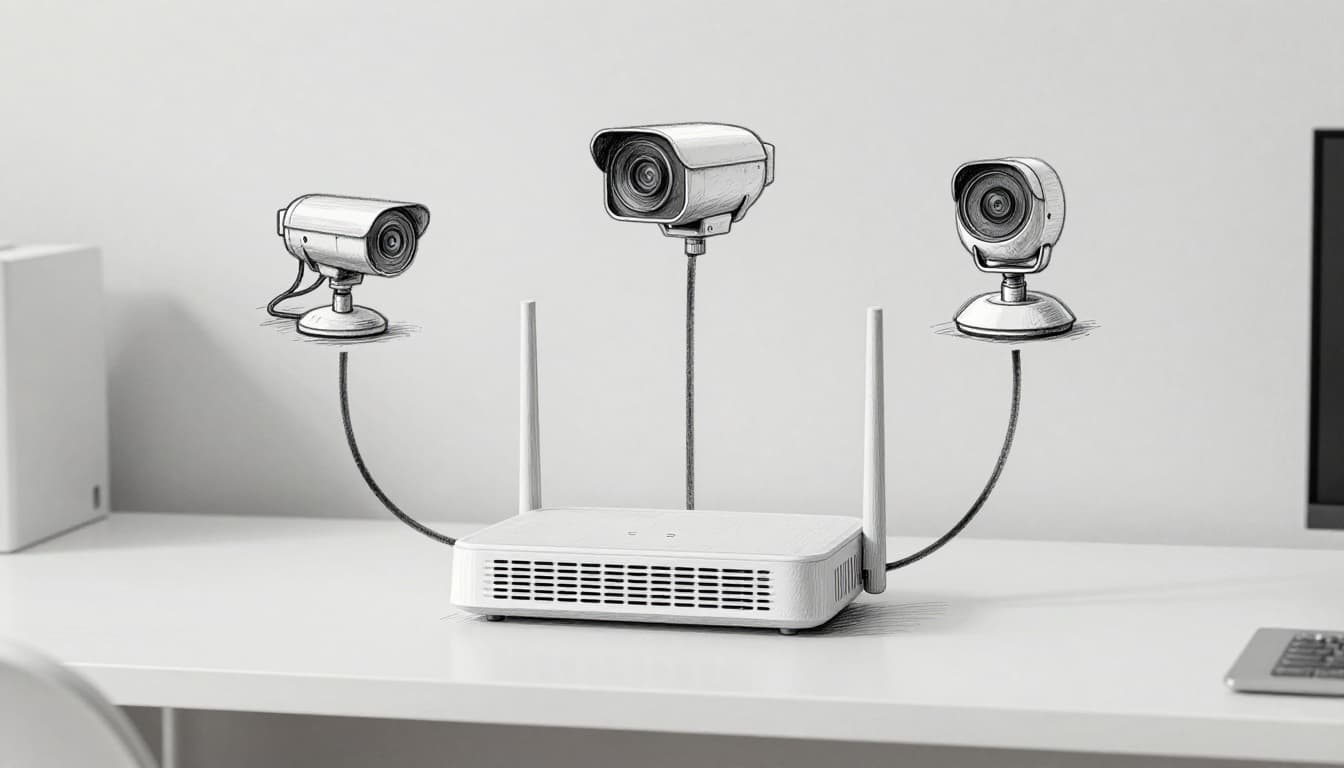
Use guest Wi-Fi or a separate network segment for cameras. The specific method depends on your router, but the concept stays the same: cameras should live in their own “zone.”
Two common approaches:
- Guest Wi-Fi: Easy to set up. Some routers block guest devices from accessing the main LAN.
- VLAN: More control. You can separate traffic at the router level, but it takes more setup.
When you separate networks, review router settings so the camera can still reach the cloud services it needs (if you use cloud). But it should not freely reach your computers and phones.
Also, keep an eye on router firmware. Many attacks target the router itself. An outdated router can undo a lot of good work.
Upgrade to Wired Connections Where Possible
If you can run cables, do it. Wired cameras are harder to tamper with remotely, and they usually perform more consistently.
PoE (Power over Ethernet) setups often reduce Wi-Fi headaches like signal dropouts and unstable connections. Plus, PoE uses one clean line for data and power, which simplifies installs.
If you go wired, you also gain more predictable troubleshooting. When the camera feed drops, you know where to look first: the cable, the switch, or the NVR.
Add Layers of Defense with Encryption, 2FA, and More
Passwords and updates are your base layer. The next layers stop “account takeover” style attacks and reduce how much damage an attacker can cause.
Start with two things:
- 2FA for the camera account
- Encryption for video and remote access
Then decide where video should go. Cloud convenience is nice, but local storage often gives you more control. Remote viewing should also be protected, ideally through a VPN.
Lock in Encryption and Two-Factor Authentication
Encryption scrambles the stream so a snooper can’t easily read it. Two-factor authentication adds a second step after your password.
Turn on 2FA in the camera app account settings. Most systems offer options like:
- Authenticator apps
- SMS codes (use if that’s your only option)
- Email codes (better than nothing, but less strong than an app)
Also, confirm the app uses secure connections. If your camera supports “HTTPS” or “secure mode,” enable it.
Finally, review your “devices and sessions” page, if available. Remove unknown sessions. That can cut off an attacker quickly if they already got in.
Go Local and Use VPN for Remote Safety
Remote access is where many people get sloppy. They enable “view from anywhere,” then forget the risk.
If you can choose local storage, do it. SD cards or an NVR keep video inside your home. That reduces dependency on a cloud account’s security.
For remote viewing, use a VPN rather than exposing camera ports to the internet. VPNs act like a secure tunnel. Without that tunnel, your camera feed doesn’t just “sit there” for scanning bots.
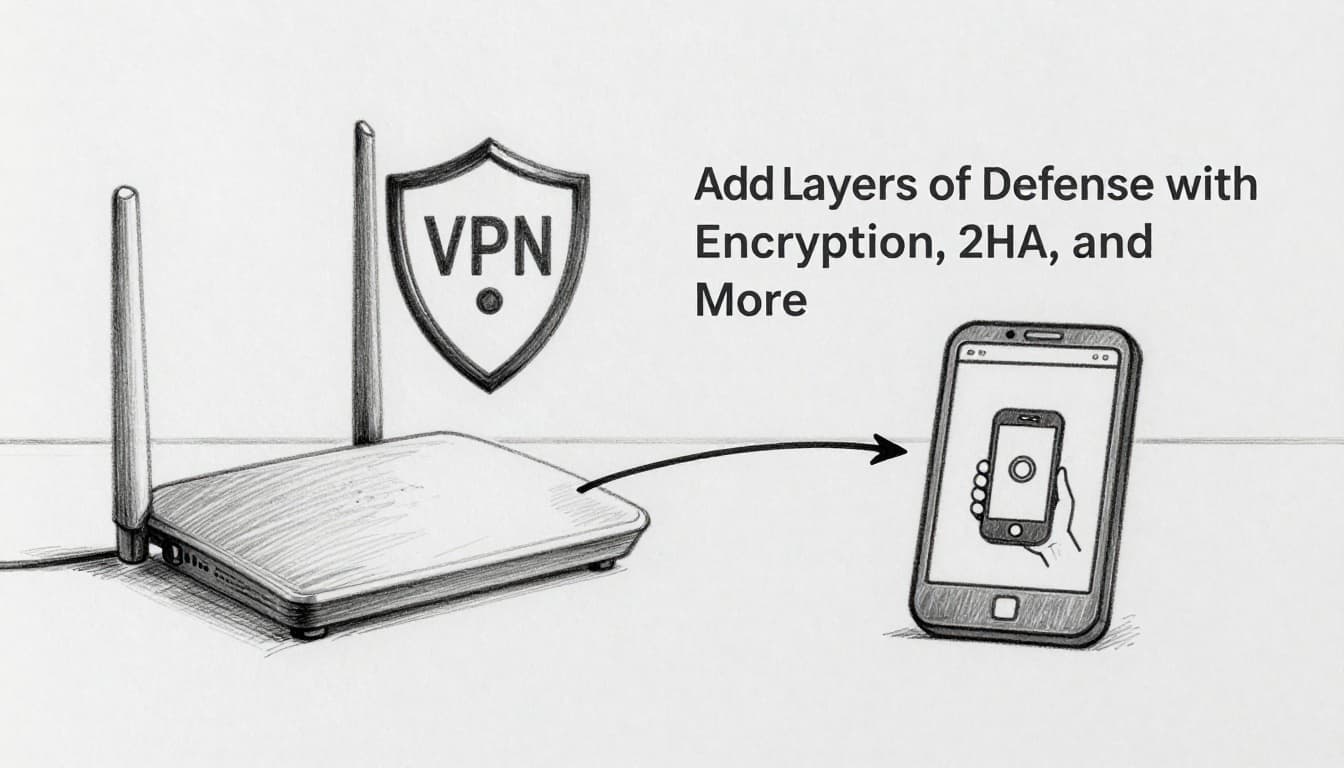
Here’s a quick defense checklist you can use today:
- 2FA on the camera account (not just device settings)
- Unique passwords stored in a password manager
- Firmware auto-updates on, or monthly manual checks
- Camera network isolation via guest Wi-Fi or VLAN
- Local recording when possible
- VPN for remote access instead of open ports
If you want evidence of why vendor security quality matters, research has shown flaws can appear in real ecosystems, including cases involving access paths that researchers can demonstrate. For example, see the IEEE paper demo titled Demo: Backdoor Through the Front Door.
Pick Trusted Cameras and Brands That Prioritize Security
Your best defense is also your buying decision. You can’t patch your way out of everything, especially if a brand stops supporting devices or ships questionable authentication.
In 2026, one approach many US buyers use is picking NDAA-compliant cameras. That label points to the companies and products that avoid certain restricted vendors under Section 889.
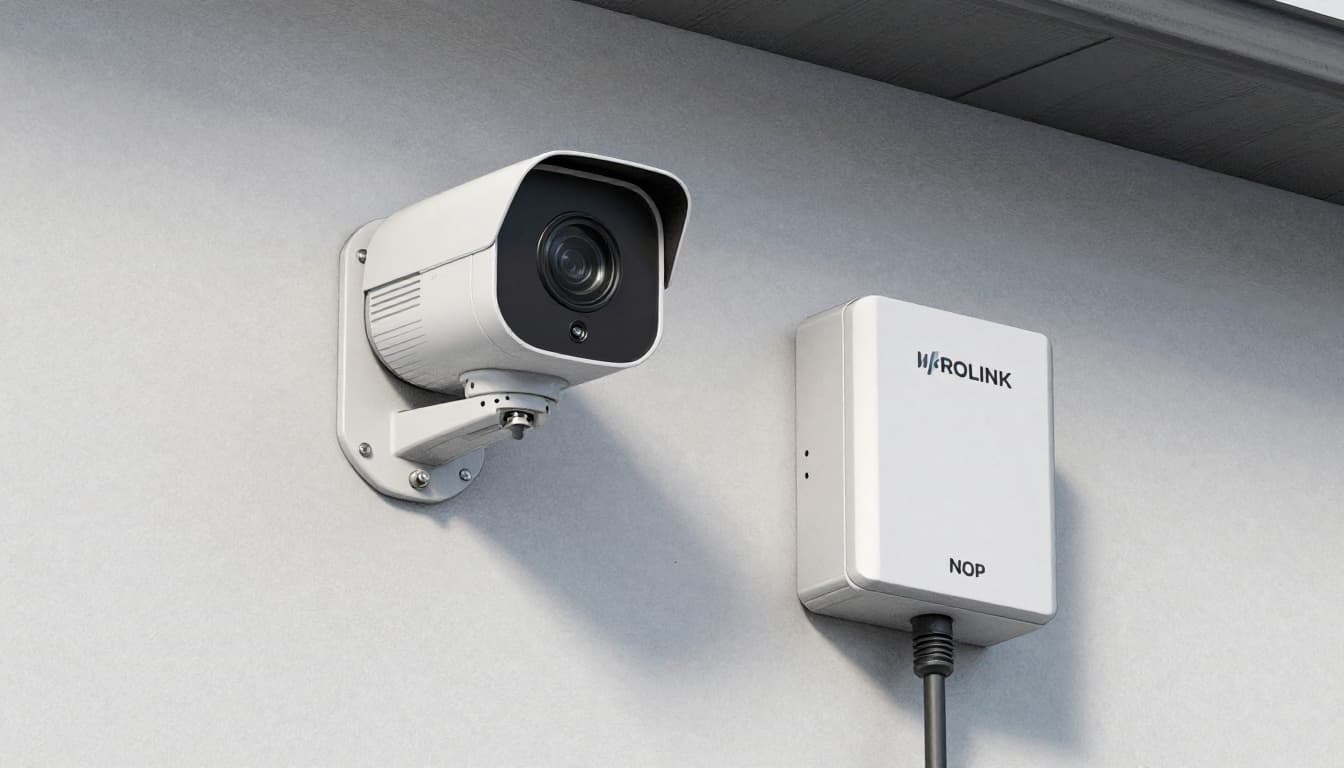
Reolink is a commonly recommended choice for buyers who want local storage options and a simpler privacy story. If you want the policy details behind NDAA compliance, Reolink’s guide is a clear starting point: Ultimate Guide to NDAA Compliant Cameras.
What to look for when choosing a more secure camera system:
- Local processing or local storage options (SD or NVR), not forced cloud dependence
- Regular firmware updates and a clear support history
- Strong authentication features, especially 2FA
- Reasonable encryption defaults for apps and streams
- Clear privacy controls in the app settings
You also asked about Ring and Nest. Both brands have had public security concerns over time, and Ring in particular has seen controversy tied to incident handling and how video gets requested during investigations. Nest has also faced user targeting in the broader threat ecosystem. The pattern is the same, though, weak accounts plus exposed access paths.
Eufy, meanwhile, has been praised for local-first marketing, but independent security research and media reporting have raised questions in some areas. The takeaway isn’t panic. It’s to verify settings, enable protections, and keep firmware current regardless of brand name.
As for “no-name” imports, the biggest risk is uncertainty. If a camera’s security model is unclear, you can end up with hidden credentials, weak update support, or devices that stay vulnerable long after purchase. That’s where NDAA compliance and reputable support teams can reduce uncertainty.
Conclusion
If a hacker gets into your camera account, they don’t just see your hallway. They can also steal your trust, your privacy, and your peace of mind. The strongest fixes are the unglamorous ones: unique passwords, firmware updates, and network isolation.
Take action now by auditing your setup in this order: change logins, enable 2FA, update firmware, then isolate cameras on guest Wi-Fi or a VLAN. After that, choose local storage when possible and use a VPN for remote viewing.
Want the fastest next step? Do a 10-minute check today and then set a monthly reminder.
What’s the one setting you’re going to update first in your camera app?