
In 2025 and 2026, cloud storage incidents kept making headlines, and many came from simple setup mistakes. For example, Gravy Analytics exposed tens of millions of records after a misconfigured bucket, and ransomware hit Marquis Health’s SonicWall cloud backups, affecting about 780,000 people. Because breaches are often driven by stolen logins (over 70% of cloud incidents start this way), you need cloud storage encryption to protect what matters.
Cloud storage encryption scrambles your files so only approved users and systems can read them. When you encrypt data at rest and in transit, you cut the odds that an attacker can use copied data or intercepted traffic. Ready to lock down your files? Next, you’ll learn the basics and why encryption details matter more than most people think.
The Basics: What Cloud Storage Encryption Really Does
Cloud storage encryption is what turns your files into something unreadable without the right key. Picture a diary with a lock. If someone steals the diary from your shelf, they still can’t read it. Encryption does that job in the cloud, for individuals and teams, especially in 2026 when data often lives across multiple clouds.
Still, “encryption” is not one single thing. You’ll hear three phrases all the time: data at rest, data in transit, and data in use. Each one protects a different moment in the file’s life.
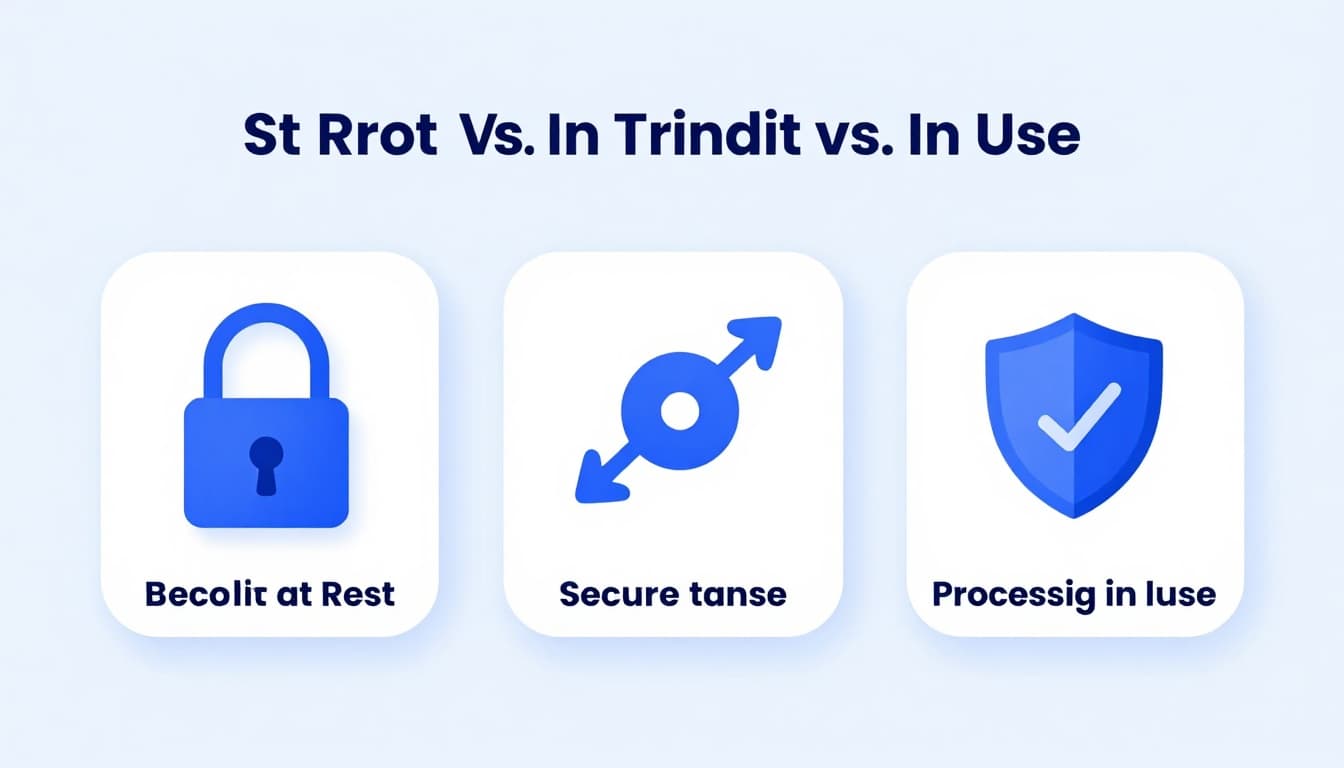
Encryption at Rest vs. In Transit vs. In Use
First, plaintext is your readable data. Ciphertext is what encryption produces, basically coded gibberish to everyone except the key holder.
Here’s how the three encryption types map to real threats:
| Type | What it protects | Where the data is | Common baseline |
|---|---|---|---|
| At rest | Stolen storage, lost drives, server-side copies | Data sitting in cloud buckets and backups | AES-256 baseline (commonly used) |
| In transit | Interception, packet sniffing, man-in-the-middle | Data moving between your app and the cloud | TLS 1.3+ |
| In use | “During processing” exposure, insider access, memory scraping | Data being processed in apps | Confidential computing (secure enclaves) |
Encryption at rest is like the padlock on the diary while it sits on the shelf. An attacker who copies files from storage still gets ciphertext, not your content. That’s why providers push default encryption for buckets and volumes, including setups described in AWS S3 server-side encryption docs.
Encryption in transit is like protecting the diary while it’s being carried through a crowded street. TLS creates a secure tunnel between your client and the storage service. For modern setups, aim for TLS 1.3 (or better). Oracle’s guidance on using TLS v1.3 for in-transit encryption is one example of how providers think about this layer (Using In-transit TLS Encryption).
Now comes the gap that many teams miss: encryption at rest and in transit do not automatically protect data while an AI workload is running. When you process data, you usually load it into memory so the model can read it. That’s where encryption in use matters.
Confidential computing adds a locked-room effect. Data stays protected even while it’s processed, because the compute runs inside a protected environment (often called an enclave). For AI workloads, this helps against risks like:
- Cloud server breaches where attackers try to access raw data after they get onto machines
- Insider threats with access to admin tools or logs
- Memory exposure during training or inference
In short, traditional encryption covers the book and the trip. Confidential computing helps when the book must be opened to read it.
Server-Side vs. Client-Side: Which Protects You Best?
Next, think about who holds the keys. That decision often matters more than the algorithm name.
Server-side encryption means the cloud provider encrypts your data for you, usually using keys they manage. With some default S3-style setups, the provider handles encryption and key duties behind the scenes. It’s easy, and it helps with real-world threats like stolen storage media.
Client-side encryption, also called end-to-end encryption (E2EE), flips the responsibility. You encrypt before upload, and you keep control of the keys. In many zero-knowledge designs, the provider can store ciphertext, but it can’t read your plaintext.
So which protects you best?
- Server-side is simpler: minimal setup, fewer moving parts, and good baseline safety.
- Server-side gives the provider more visibility: because the provider participates in key handling, your privacy depends on how that system is secured.
- Client-side/E2EE is safer for sensitive data: even if someone breaks into storage, they mainly find ciphertext. Tresorit’s security messaging is built around end-to-end and zero-knowledge encryption (Zero-knowledge encryption and control).
For 2026, a practical rule helps: choose E2EE when the data’s value is high, the risk includes human error or insider access, or you plan to run AI on personal or regulated content. Also, if your threat model includes “what if the server gets breached,” client-side encryption reduces what an attacker can do after they gain access.
Finally, remember the shared responsibility shift. Even with strong encryption, you still need secure access controls, key management discipline, and careful sharing settings. But when it comes to keeping plaintext out of the provider’s reach, E2EE is the stronger position.
Hot Trends Reshaping Cloud Encryption in 2026
Cloud encryption in 2026 is shifting from “set it once” to “prove it, protect it, and keep protecting it.” Storage teams now treat encryption like seatbelts, airbags, and crash sensors, all at the same time. The goal is simple: stop plaintext from spreading, even when systems change, users shift, and AI touches the data.
Zero-Trust: No More Blind Faith in Your Network
Zero-trust changes your mindset. Instead of trusting a network because you’re on it, you verify every request, every time. Think of it like a building that checks your ID at every door, not just at the lobby. For cloud storage encryption, that means encrypt everything, then audit every action as if attackers are already inside.
In practice, teams combine several controls:
- Continuous checks: permissions can’t be “granted forever.” Short-lived access helps reduce damage when credentials leak.
- MFA everywhere: strong login stops the most common entry point, stolen passwords.
- Role-based access: the system limits who can read, who can write, and who can manage keys.
- Immutable logs: tamper-resistant records help you prove what happened, not just guess.
This matters even more for AI data. AI systems often read large datasets for training and inference. If access controls drift, you can end up with unauthorized copies, overly broad sharing, or silent “temporary” exports that never got reviewed. Zero-trust helps you keep encryption and access aligned, so only the right identities can decrypt or move data.
Also, zero-trust supports backup safety. Your backups are encrypted, but they still need tight access governance. When restore time arrives, you want confidence in who can pull what, and why. If you want an example of how teams frame zero-trust as data-control at the content level, see zero-trust data sovereignty 2026 from eperi.
Post-Quantum Protection: Getting Ready for Tomorrow’s Threats
Quantum computing introduces a new worry: attackers may not need to crack today’s encryption right away. Instead, they can steal encrypted data now, then decrypt it later when quantum machines improve. This “harvest now, decrypt later” risk makes long-term data protection part of the encryption plan.
That’s where post-quantum cryptography (PQC) comes in. PQC replaces older math that relies on assumptions quantum computers could weaken. For cloud storage, the big idea is simple: if you rely on RSA for key exchange or older signature methods, you should plan a path to quantum-resistant algorithms that can stand up to future threats.
Two other shifts matter just as much:
- Crypto-agility: you need encryption that can switch fast. If your design ties you to one algorithm forever, updates become slow, expensive, and risky. A crypto-agile setup makes migrations manageable.
- Operational readiness: PQC affects certificates, handshakes, and key lifecycles. You don’t want surprises when it’s time to roll changes across apps and storage services.
Regulators also push this direction. In some EU-aligned requirements, organizations must show they follow modern security practices and can reduce long-lived risk. Even outside strict rules, auditors increasingly ask how you protect data whose value lasts for years.
For cloud teams, there’s momentum too. Many major providers and service layers are accelerating quantum-safe transitions, and some vendors already describe post-quantum encryption for modern access services. For an industry example, see Google’s accelerated quantum-safe timeline coverage and Cloudflare’s post-quantum SASE platform update.
How Top Providers Stack Up on Encryption Security
Once you know the encryption layers, you can compare providers like you would compare locks on doors. Some teams focus on enterprise control and immutability. Others default to end-to-end encryption (E2EE), where even the provider cannot read your plaintext.
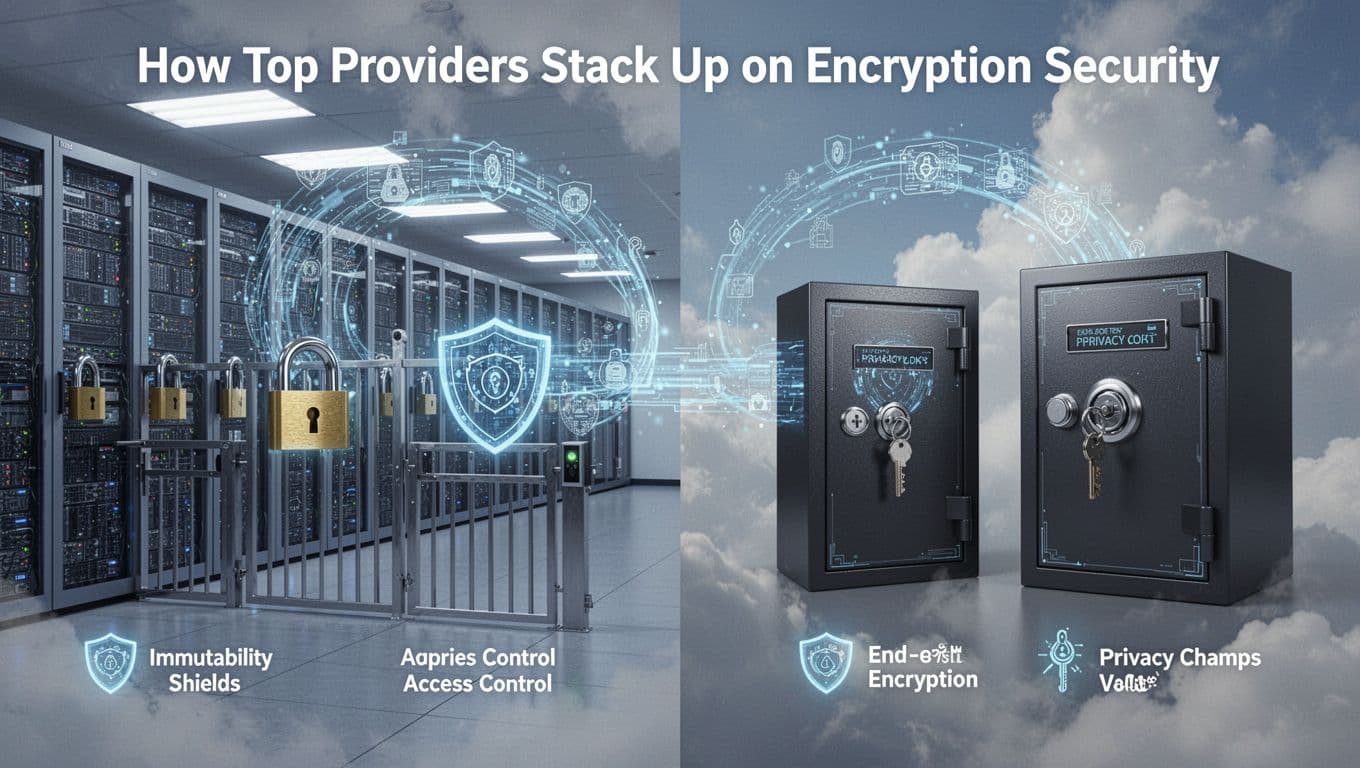
Here’s the practical security picture for 2026 across common choices:
| Provider | E2EE (client-side) | Encryption posture | Immutability / retention | Post-quantum readiness | Zero-trust basics |
|---|---|---|---|---|---|
| AWS S3 | Possible (you manage keys) | Server-side by default | Object Lock | Hybrid KMS path, still early | IAM, Block Public Access, MFA |
| Azure Blob | Possible (customer keys) | Server-side by default | Blob immutability policies | PQ in preview via Key Vault | RBAC, conditional access |
| Google Cloud Storage | Possible (customer keys) | Server-side by default | Retention and bucket holds | PQ-related hardware support, still rolling | IAM, least privilege controls |
| Dropbox | Not native E2EE | Server-side only | Limited recovery (no true locks) | PQ roadmap, no E2EE shift | Device and team controls |
| Tresorit | Yes, default | Zero-knowledge E2EE | Strong versioning controls | Migration planning | Granular sharing, MFA |
| pCloud | Optional add-on | E2EE via Crypto Folder | Extended version history | No clear native PQ | Link permissions, MFA |
| MEGA | Yes, default | Zero-knowledge E2EE | Versioning style protection | PQ testing mentioned | Key-based sharing, MFA |
For deeper provider context, see most secure cloud storage solutions.
Enterprise Giants: AWS, Azure, and Google Features
AWS, Azure, and Google Cloud tend to win on scale and governance tooling. They offer strong baseline encryption, plus controls like IAM policy design, private connectivity options, and MFA expectations. In everyday terms, they behave like a high-rise with excellent door cameras and strict badge rules.
Their standout patterns:
- AWS: Object Lock for immutability, plus KMS options for key control. It’s also strong around account-level protection (MFA for root) and access boundaries through IAM.
- Azure: customer-managed keys through Key Vault, and time-locked immutability policies for blobs.
- Google Cloud: retention and holds at the bucket/object level, with IAM and other access controls that support least-privilege workflows.
However, here’s the gap that matters most for privacy: these platforms often use server-side encryption by default. Even when they let you bring your own keys, E2EE depends on how you build the client-side part.
Also, post-quantum readiness exists, but it’s usually piecemeal. You may see PQ-related work in key services or hardware support, but don’t expect full, end-to-end PQ migration guarantees inside every storage path yet.
Privacy Champs: Tresorit, pCloud, and Beyond
Privacy-first providers generally make one choice their default: E2EE. That’s the big reason they lead for individuals and many businesses that handle sensitive files.
With services like Tresorit, encryption is zero-knowledge by design. In other words, your files get locked before upload, and the keys stay with you. Then, sharing controls act like tamper-proof “guest passes,” often with expiration and restrictions. This style reduces the damage if someone breaks into accounts or storage endpoints.
pCloud sits in a different spot. Many users get strong protection through its Crypto add-on, but it’s not always “on” the same way as a true E2EE-first provider. Still, the model fits people who want extra privacy without moving everything to a full enterprise-style workflow.
If you need E2EE for a mainstream cloud, you can also use tools like Boxcryptor for client-side encryption on top of popular storage services. That approach can work well when your team already standardized on AWS, Azure, Google, or Dropbox, but still needs a privacy layer.
Finally, ask yourself what you’re optimizing for. If you want enterprise scale and policy control, the big three fit. If you want plaintext minimization and provider-blind storage, E2EE-first services like Tresorit and MEGA tend to match that goal better.
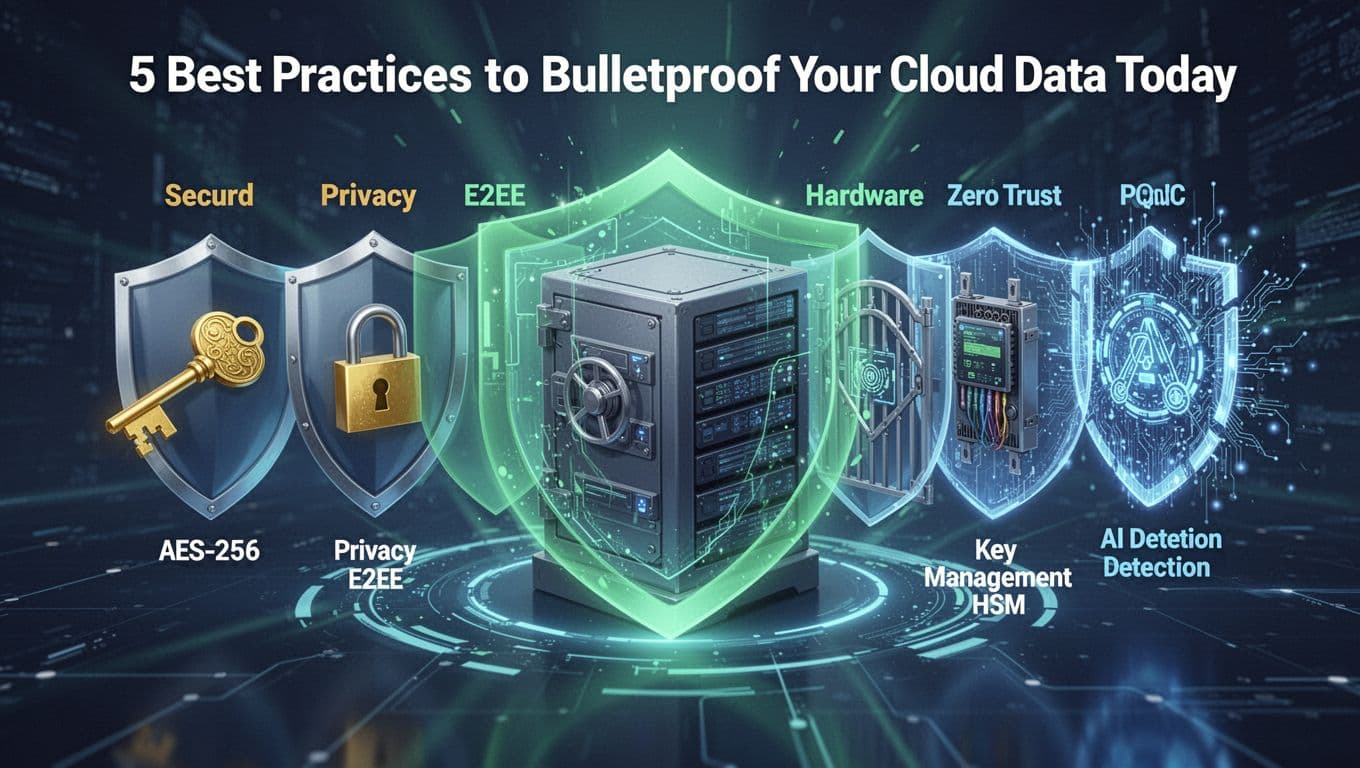
5 Best Practices to Bulletproof Your Cloud Data Today
Cloud data breaches rarely start with “mysterious hacks.” Most of the time, they start with access mistakes, weak encryption settings, or data that stays unprotected after upload. So you need layered defenses, not one setting you “hope” works.
Think of your cloud like a warehouse. Encryption is the lock on every container, but zero-trust is the key control at every door. Then key management is who holds the master key, and AI detection is the guard that notices odd behavior fast.
1) Turn on strong encryption everywhere, then verify it
Start with the basics, because they stop the most common worst-case outcomes. You want AES-256 for data at rest, and TLS 1.2+ (ideally TLS 1.3) for data in transit. These choices act like strong steel doors and sealed windows.
Then verify, don’t assume. Many teams set encryption for new buckets, but old ones keep weaker defaults. Others rely on “provider encryption” but forget that some exports, logs, or backups may not follow the same path.
Use this quick baseline to keep things consistent:
- At rest: require AES-256 (or provider equivalent) for buckets, volumes, and backups
- In transit: enforce TLS 1.3 where possible, and disable weak protocols
- Client paths: ensure downloads, copies, and inter-service calls keep TLS on
- APIs and webhooks: confirm they use the same crypto rules
If you manage S3-like storage, review which encryption modes you actually enabled (like SSE variants and client-side options). This guide helps map common S3 encryption paths: S3 encryption types explained.
2) Use E2EE (client-side) when the data is truly sensitive
Server-side encryption helps, but it assumes someone else can be part of the key-handling trust chain. That’s fine for many workloads. Still, if you handle customer secrets, health data, trade secrets, or AI training sets, you should aim for E2EE where possible.
With end-to-end encryption, your system encrypts before upload. Then the cloud stores ciphertext, not plaintext. Even if an attacker finds the bucket, they get locked-up content.
Here’s the practical test: ask yourself, “If my storage provider gets breached, what would the attacker actually see?” If the answer is “plaintext,” you need client-side encryption.
A helpful way to choose is to match your E2EE design to the workflow:
- Team file sharing: client-side encryption with controlled sharing links and expirations
- Regulated data: keep provider-side admins from decrypting content
- AI data sets: reduce exposure if training pipelines pull raw files
If you’re evaluating providers or architectures, focus on who holds the keys and how decryption works for your users. For a cloud security overview that frames best practices for 2026, see Cloud Security Best Practices for 2026.
3) Adopt zero-trust controls so encryption doesn’t get bypassed
Encryption protects data, but access controls decide who can use it. That’s why zero-trust matters. In a zero-trust setup, you treat every request as untrusted, even from inside your network.
So instead of “we’re safe because it’s our cloud,” you verify identity and intent each time. This cuts the damage when credentials leak, sessions hijack, or tokens get reused.
To bulletproof cloud access, pair encryption with these essentials:
- MFA everywhere, including admins and break-glass accounts
- Least privilege via roles (people and services only get what they need)
- Short-lived sessions and tighter token lifetimes
- Conditional access (block risky geos, stale devices, odd login patterns)
- Tamper-resistant logs so you can investigate quickly
Also watch for the “silent copy” problem. Attackers often don’t need to steal your bucket. They can copy data out through allowed apps, then decrypt it with valid access.
This playbook-style angle helps teams think about zero-trust storage and access governance: The Zero-Trust Storage Playbook for 2026.
Encryption is the lock. Zero-trust is the door policy. Use both, or the key still finds a way out.
4) Manage keys like your worst day already happened
Your encryption strength is only as good as your key handling. If the keys leak, ciphertext becomes just another wrapper around the real data.
So manage your keys with discipline and ideally with hardware-backed protection (like HSMs). You want keys stored in places attackers can’t easily copy. You also need rotation and clean lifecycle controls.
Key management best practices that reduce real risk:
- Use customer-managed keys for sensitive storage paths
- Store root keys in HSMs or equivalent hardware protection
- Rotate keys on a schedule and immediately after suspected exposure
- Restrict key admin access (separate duties for key management and storage admins)
- Log key operations so you can spot unusual decrypt activity
Cloud security teams also pay attention to how data security responsibilities map across shared models. Fortanix has a clear explainer on cloud data security. Use it as a checklist starter for accountability, especially when multiple teams touch the same storage.
One simple internal rule helps a lot: if your team cannot describe who can decrypt data (and how), you don’t have key management. You have hope.
5) Automate threat detection with AI, and plan for post-quantum crypto (PQC)
Once encryption and key control are in place, you still need fast detection. Breaches move quickly, especially when attackers test accounts and permissions until something sticks.
That’s where AI threat detection comes in. Use it to spot patterns like:
- logins at odd hours or impossible travel
- sudden spikes in download traffic
- unusual API calls and new export jobs
- repeated failed decrypt or access attempts
- new sharing links that violate policy
Pair detection with response steps. Alerts should trigger actions like session revocation, access blocking, and rapid review of what changed.
Now add future-proofing. Some attackers follow a “harvest now, decrypt later” pattern. They store encrypted data today, then decrypt it when crypto weaknesses become feasible.
To reduce long-term risk, plan for post-quantum cryptography (PQC). Don’t wait until a deadline forces a rushed migration. Instead, build crypto agility, so you can swap algorithms without rewriting every system.
You can use this research angle as a starting point for how teams think about quantum-safe migration strategies: Securing Cloud Computing Against Quantum Threats.
Finally, watch multi-cloud pitfalls. They bite when keys, policies, and encryption defaults differ across providers. Your data might be encrypted in one cloud and exposed in another after replication, exports, or app integration.
Use this compact action list to run a hardening pass:
- Enforce AES-256 for at-rest storage and backups, and TLS 1.3 for transfers.
- Enable E2EE/client-side encryption for sensitive data paths where you can.
- Roll out zero-trust controls (MFA, least privilege, short sessions, conditional access).
- Move keys into HSM-backed storage (or equivalent protected key services) with rotation.
- Turn on AI-based anomaly detection and define response actions.
- Build a PQC migration plan (crypto-agility, certificate strategy, testing).
- Audit multi-cloud replication to ensure encryption and key rules stay consistent.
If you do these in order, you get real protection against today’s breaches and better odds against tomorrow’s crypto shifts.
Conclusion
Cloud storage encryption matters because it turns stolen or exposed data into unreadable ciphertext. When you match encryption type (at rest, in transit, and in use) with the real risk, you cut the paths that lead to breach impact.
For 2026, the clearest takeaway is simple: encryption only holds if you pair it with strong key control and tight access. Therefore, pick a provider that fits your needs, verify encryption settings across all buckets and backups, and keep access gated with zero-trust rules.
Now make it real. Audit your setup this week, then move the most sensitive files to E2EE where you can. After that, keep your team ready for post-quantum cryptography, so long-term data stays protected as standards change.
If attackers stole your ciphertext today, could your team still recover data safely tomorrow?